PDFtk, Mutool và GhostScript – Công cụ xử lý PDF (PowerShell)
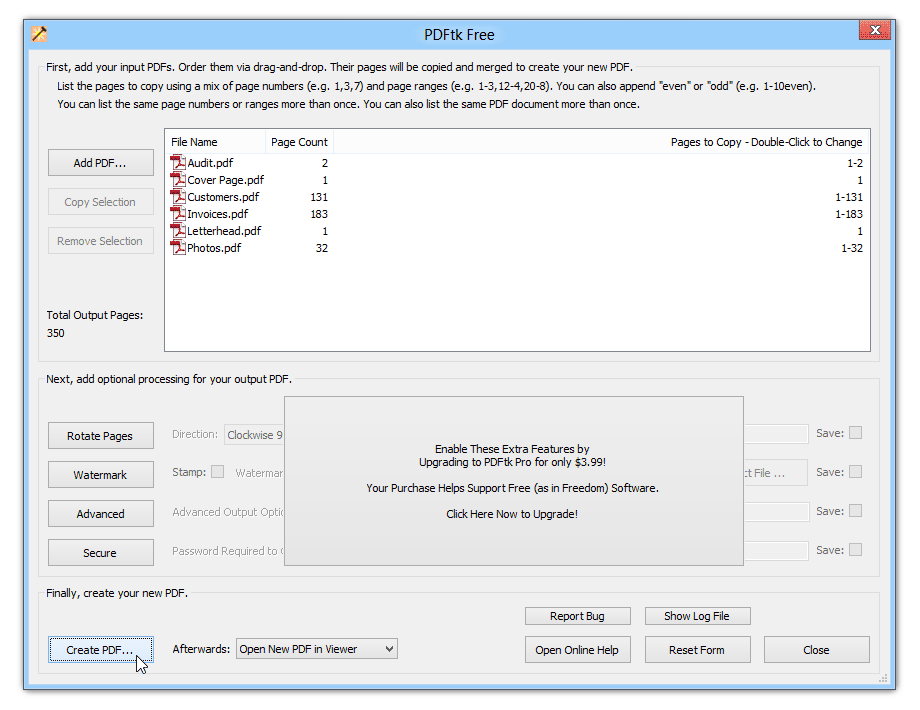
Cài đặt PDFtk Tools để xử lý file PDF
$url_dep="https://github.com/PSAppDeployToolkit/PSAppDeployToolkit/releases/download/3.8.4/PSAppDeployToolkit_v3.8.4.zip";
$url_pdftk="https://www.pdflabs.com/tools/pdftk-the-pdf-toolkit/pdftk_free-2.02-win-setup.exe";
$newLocation="C:\Downloads";
$dest = "$newLocation\PSAppDeployToolkit_v3.8.4.zip";
New-Item -Path $newLocation -ItemType Directory -Force;
[Net.ServicePointManager]::SecurityProtocol = [Net.SecurityProtocolType]::Tls12;
Invoke-WebRequest -Uri $url_dep -OutFile $dest;
Unblock-File -Path $dest;
Expand-Archive -Path $dest -DestinationPath C:\Downloads\PADT;
Copy-Item -Path "$newLocation\PADT\Toolkit\AppDeployToolkit" -Destination "$newLocation\PDFtk\AppDeployToolkit" -Recurse;
Copy-Item -Path "$newLocation\PADT\Toolkit\Files" -Destination "$newLocation\PDFtk\Files";
Invoke-WebRequest -Uri $url_pdftk -OutFile $newLocation\PDFtk\Files\pdftk_free-2.02-win-setup.exe;
Download PDFtk tại đây (sửa rar thành ps1)
Tài liệu liên quan

Check SMB Version:
Xem chi tiết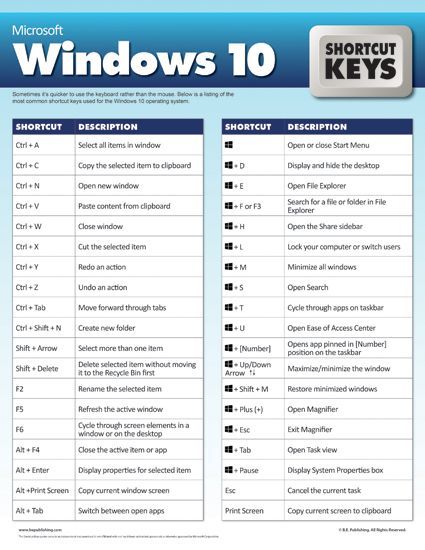
Những phím tắt hữu ích trong windows
Xem chi tiết